| Ticket UUID: | fbaed1f66bef6473dbc8f93f08b17286eec5abc8 | |||
| Title: | [image create photo] errors out on a sane animated gif | |||
| Type: | Bug | Version: | 8.6.8 | |
| Submitter: | erikleunissen | Created on: | 2018-07-14 18:55:19 | |
| Subsystem: | 42. Photo Image|GIF | Assigned To: | fvogel | |
| Priority: | 5 Medium | Severity: | Important | |
| Status: | Closed | Last Modified: | 2018-07-28 16:05:57 | |
| Resolution: | Fixed | Closed By: | fvogel | |
| Closed on: | 2018-07-28 16:05:57 | |||
| Description: |
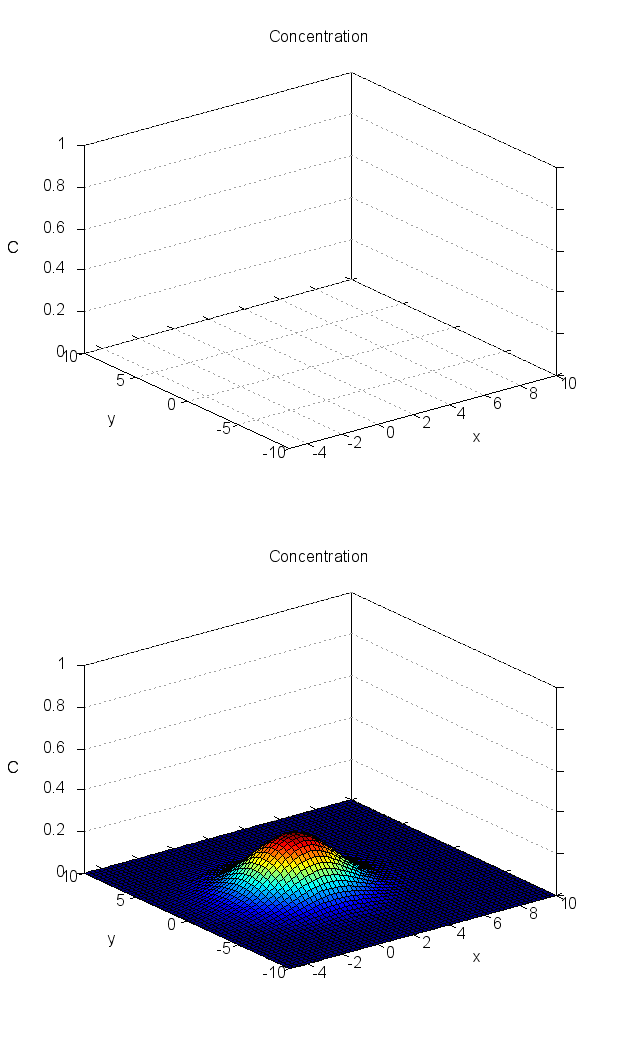
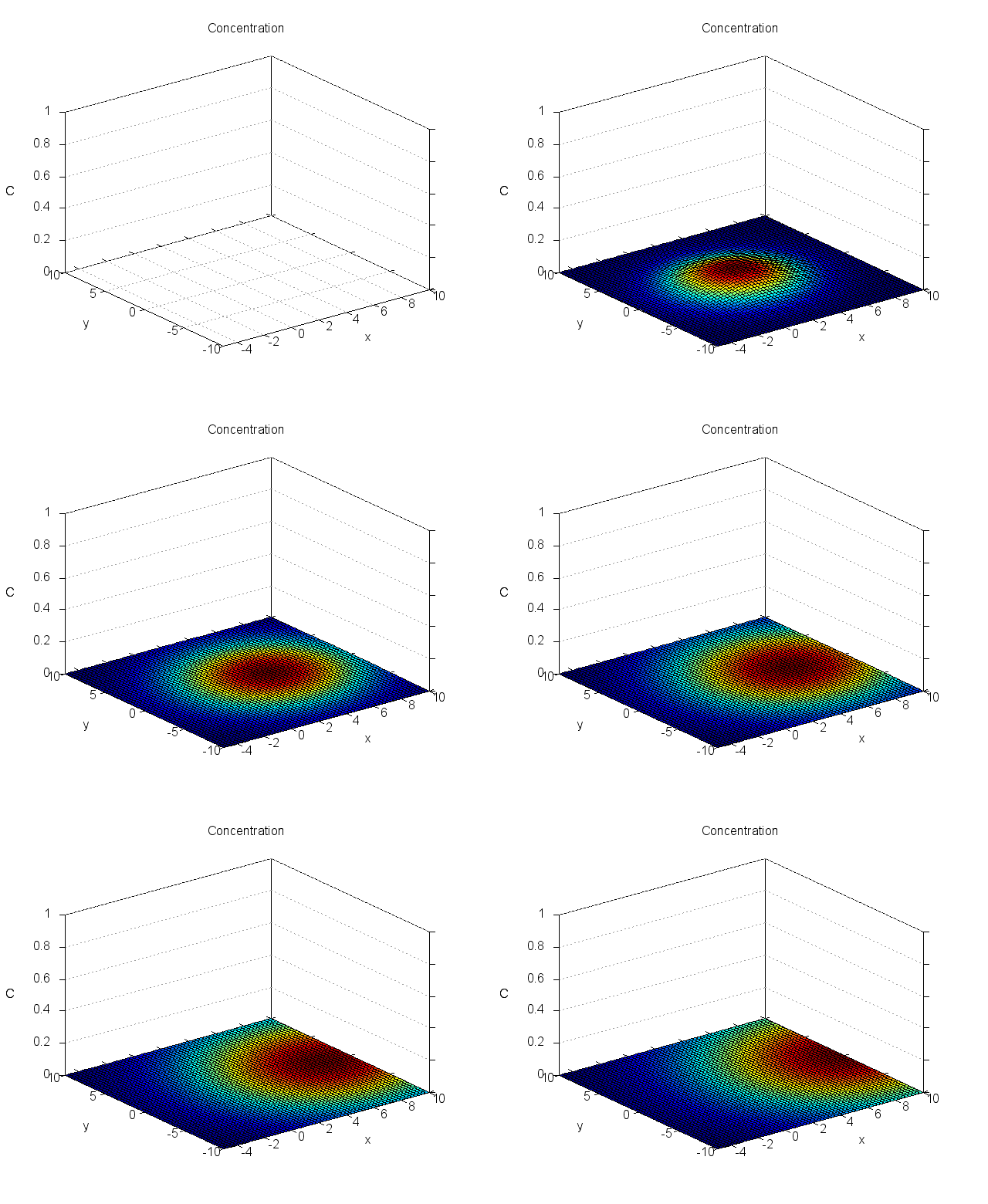
[image create photo] errors out on a sane animated gif.

The attached animated gif has been checked for sanity with ImageMagick's identify command. The animation can be run and its frames can be viewed flawlessly in various applications, amongst others: Firefox browser, Mac OSX preview.

However, creating photo images with [image create photo] from the frames inside the animated gif, fails on the third frame (index = 2). Error message:

     "malformed image"

The attached Tcl script "exercise.tcl" exercises this behaviour.
--
| |||
| User Comments: |
fvogel added on 2018-07-28 16:05:57:
Ok thanks. Closing the ticket now. erikleunissen added on 2018-07-28 15:39:01: Now head of core-8-5-branch also tested: correct functioning of fix confirmed. fvogel added on 2018-07-28 15:37:08: What I would like to get tested is that the cherrypickimg of the fix and the commit to core-8-5-branch is working fine. You could not do this since I just backported the fix today. Would be nice if you confirmed, thanks. erikleunissen added on 2018-07-28 13:24:53: Thanks. Impressive indirection indeed. Beware that all of this doesn't affect your navigation system, so that you end up in California ;-). My test for the fix was against 8.5.19 already. I understood that the test you did was against 8.6.8. or trunk. Do you require that *I* also perform a test against 8.6.8? If so, no problem, but that'll take a bit longer than the test against 8.5.19. fvogel added on 2018-07-28 12:09:58: Technology is amazing. I could do it from my android cell phone controlling brad's mac in California through JuiceSSH, while travelling in a car in France at the same time... Please try the fix in core-8-5-branch (I didn't). fvogel added on 2018-07-28 10:56:11: Ok, will do (not right now). erikleunissen added on 2018-07-28 08:43:50: I'm working on a Tk project that supports 8.5, and would very much like this bug-fix included in the last release 8.5.20. Is this bug fix eligible for inclusion in 8.5.20? (Who decides that and when?) If it is, then a merge to core-8-5-branch is also needed. fvogel added on 2018-07-27 21:07:41: Merged to core-8-6-branch and trunk. fvogel added on 2018-07-22 09:44:49: Hmmm, okay. I've committed your replacement text. Regarding black pixels I thought that this deserved to be mentioned because it's a specific symptom. On the other hand people can read the present ticket to understand the effect. The test mentions the ticket for that purpose. erikleunissen added on 2018-07-22 09:21:24: I confirm that with the proposed fix the issue has gone. The animated gifs are displayed correctly, error messages are now correct and there no black pixels at the bottom of the image of the first frame.
Thanks very much: awesome efficiency w.r.t. the fix and nice detective work leading to the cause of evil (also bll !).
Some remarks though regarding the comment to the test:
- There is some ambiguity w.r.t. the words "image" and "frames". The latter word is only used in the context of animations, i.e. files which produce multiple images. Therefore "a gif image with several frames" is awkward.
- The test is not done with a single image but with an animated gif consisting of two frames.
- Black pixels only show in the first frame if you've managed to extract it. But that's not clear from the text, and arguably unnecessary. Personally, I'd not even mention it. (If you think it's relevant, than I advise to word it differently.) My text proposal:
----------------------------------------------------------------
# This erroneously produced "malformed image" error.
# The animated GIF "deferredClearCode.gif" has two frames, and calling for -index 2
# simply is an easy way to trigger the problem of improper management of a
# deferred clear code. The effect is that the GIF decoder bails out before the end
# of the image reading, and produces the inappropriate "malformed image error".
----------------------------------------------------------------
fvogel added on 2018-07-21 15:12:06: I have added test imgPhoto-14.5 exercising the fix for the present ticket. This new test passes with the fix [340cad7a] and fails before that fix. fvogel added on 2018-07-21 13:44:30: Indeed that was the issue. My fix proposal is [340cad7a] in branch bug-fbaed1f66b I can no longer see any issue with this fix: no "malformed image" error any more with the OP test script, neither any black area at the bottom of some frames. And all the img* test suite files still pass 100% OK. More testing welcome, thanks! bll added on 2018-07-20 23:00:28: Possibly "deferred clear code" is not correctly implemented?? https://www.w3.org/Graphics/GIF/spec-gif89a.txt https://bugzilla.mozilla.org/show_bug.cgi?id=55918 fvogel added on 2018-07-20 20:40:18: From the example images given, it is not difficult to observe (using a hex viewer and the GIF specification aside of it) that the difference between the --careful and vanilla variants is that for the former the so-called 'initial code size' for the first frame is 08 and for the latter it is 04. The subsequent bytes are then obviously different accordingly. Now from the encoder point of view, when using --careful gifsicle in fact sets two flags internally: GIF_WRITE_CAREFUL_MIN_CODE_SIZE and GIF_WRITE_EAGER_CLEAR. When GIF_WRITE_CAREFUL_MIN_CODE_SIZE is set, the minimum code size in bits is calculated from the size of the colormap. When this flag is not set, gifsicle calculates the minimum code size from the maximum used index in the colormap (i.e. the highest index in the colormap that corresponds to a color actually used in the image). When GIF_WRITE_EAGER_CLEAR is set, then the 'clear code' is written in the image more often than strictly necessary (see details in the guts of gifsicle... it will clear whenever the next code to write is strictly larger than 4094, i.e. (2^MAX_LWZ_BITS-2)), meaning that when reading the image the LZW decoder is reset more often. All these observations make quite a lot of sense to me given I studied the LZW decompression algorithm and its implementation in Tk, and what's happening when it fails (the condition (maxCode >= (1 << MAX_LWZ_BITS)) is true, which should never happen). erikleunissen added on 2018-07-20 19:37:01: Attached the --careful variant of the original animation. Like all other animations created with the option "--careful", it does not present the issue with [image create photo] as reported for the original animation. When displaying first frame, I do not see a black rectangle at the bottom. fvogel added on 2018-07-20 18:35:27: Also, could you please post the same "anim.gif" as originally posted, but created with --careful ? So far I have looked quite carefully at the LZW decompression algorithm implemented in the Tk source code and I haven't found any mistake. fvogel added on 2018-07-19 17:44:15: Interesting! I'll have a look at what exactly changes with this --careful option. If you use it to create the original anim.gif you submitted, then split the frames (there are online tools for this), does frame00 show back colour at the bottom when fed to [image create photo] ? erikleunissen added on 2018-07-18 21:17:59: Adressing conscience and policy ...
I've been digging into the tools that I use to generate the animated gif's.
There are three, each performing a step. The last step is the stitching together of separate gif image frames into an animated gif. For this step I use gifsicle (https://github.com/kohler/gifsicle).
The manual page of gifsicle mentions the following at the option --careful:
<snip>
--careful
Write slightly larger GIFs that avoid bugs in some other GIF implementations. Some Java and Internet Explorer versions cannot display the
correct, minimal GIFs that Gifsicle produces. Use the --careful option if you are having problems with a particular image.
</snip>
Well now: if I use the option "--careful" to produce the animated gifs from their individual frames, the error reported in this bug ticket "malformed image" disappears, from all the animations that exhibited the bug.
So, for my purpose, that is satisfactory. *My* problem is solved.
But how about Tk? The animations that exhibit a problem for Tk appear to be correct by several "standards":
- ImageMagick's identify command
- gifsicle's description of the "--careful" option
- the image viewers that display the animations/gifs flawlessly. Those that I know of are: Firefox browser, Mac OSX preview, GWenview.
I'll attach the "--careful" variants of anim-bug-2.gif and anim-bug-3.gif as anim-careful-2 and anim-careful-3.gif. Maybe the difference between the two variants gives a clue about the cause of the problem.
erikleunissen added on 2018-07-18 16:19:20: I attached two more animated gif's that [image create photo] stumbles upon with the same error. These animations contain 2 and 3 frames respectively and therefore are a lot smaller than the original one which contained 11 frames. Both have been checked with ImageMagick's identify: no problem.
- anim-bug-2.gif (contains two frames)
- anim-bug-3.gif (contains three frames)
Please note another peculiarity for anim-bug-2.gif:
This animated gif contains only two frames. Therefore, when trying to extract the frame with index 2 (i.e. the third frame, counting from zero), it ought return the error "no image data for this index". However, the error message is again
"malformed image"
and not at index 1, but again at index = 2, which doesn't even exist!
So [image photo create] gets horribly mucked up.
fvogel added on 2018-07-17 20:46:23: What application created that gif image? Can you create another such image failing to feed [image create photo], but one that would be much much smaller (smallest as possible)? It would help debugging wuite much. Thanks! fvogel added on 2018-07-16 06:03:25: At (line 427, pixel number 396) function ReadImage() returns early because maxCode became too large: value is 4096 whereas MAX_LWZ_BITS is 12, therefore (maxCode >= (1 << MAX_LWZ_BITS)) is true. I think this confirms we have a bug in Tk, in function ReadImage(), which means it's time to dive into the guts of the LZW algorithm for GIF images. bll added on 2018-07-15 23:38:58: Interesting. Using: package require Img and the photo still displays with the black area at the bottom. Same code perhaps. I will add a tracking ticket to Img on sourceforge. erikleunissen added on 2018-07-15 21:50:40: I don't have the specialized knowledge to comment on true compliance with the specification or the correctness of ImageMagick.
But I can run ImageMagick's identify command once more but now on the separate image "frame_00_delay-0.01s.gif" (see below). Again no problems reported:
> identify -verbose frame_00_delay-0.01s.gif
Image: frame_00_delay-0.01s.gif
Format: GIF (CompuServe graphics interchange format)
Mime type: image/gif
Class: PseudoClass
Geometry: 640x520+0+0
Units: Undefined
Type: Grayscale
Endianess: Undefined
Colorspace: Gray
Depth: 8-bit
Channel depth:
gray: 8-bit
Channel statistics:
Pixels: 332800
Gray:
min: 0 (0)
max: 255 (1)
mean: 252.228 (0.989129)
standard deviation: 23.8934 (0.0936996)
kurtosis: 92.9813
skewness: -9.50248
Colors: 11
Histogram:
2291: ( 0, 0, 0) #000000 gray(0)
257: ( 26, 26, 26) #1A1A1A gray(26)
146: ( 51, 51, 51) #333333 gray(51)
94: (102,102,102) #666666 gray(102)
64: (127,127,127) #7F7F7F gray(127)
2: (153,153,153) #999999 gray(153)
2205: (160,160,160) #A0A0A0 gray(160)
165: (192,192,192) #C0C0C0 gray(192)
13: (204,204,204) #CCCCCC gray(204)
247: (229,229,229) #E5E5E5 gray(229)
327316: (255,255,255) #FFFFFF gray(255)
Colormap entries: 16
Colormap:
0: (255,255,255) #FFFFFF gray(255)
1: ( 0, 0, 0) #000000 gray(0)
2: (160,160,160) #A0A0A0 gray(160)
3: ( 26, 26, 26) #1A1A1A gray(26)
4: ( 51, 51, 51) #333333 gray(51)
5: (102,102,102) #666666 gray(102)
6: (127,127,127) #7F7F7F gray(127)
7: (153,153,153) #999999 gray(153)
8: (192,192,192) #C0C0C0 gray(192)
9: (204,204,204) #CCCCCC gray(204)
10: (229,229,229) #E5E5E5 gray(229)
11: ( 0, 0, 0) #000000 gray(0)
12: ( 0, 0, 0) #000000 gray(0)
13: ( 0, 0, 0) #000000 gray(0)
14: ( 0, 0, 0) #000000 gray(0)
15: ( 0, 0, 0) #000000 gray(0)
Rendering intent: Perceptual
Gamma: 0.454545
Chromaticity:
red primary: (0.64,0.33)
green primary: (0.3,0.6)
blue primary: (0.15,0.06)
white point: (0.3127,0.329)
Background color: gray(255)
Border color: gray(223)
Matte color: gray(189)
Transparent color: gray(0)
Interlace: None
Intensity: Undefined
Compose: Over
Page geometry: 640x520+0+0
Dispose: Undefined
Compression: LZW
Orientation: Undefined
Properties:
date:create: 2018-07-15T23:39:25+02:00
date:modify: 2018-07-15T23:36:09+02:00
signature: 722b7564c05f33dd2e9a145203d9c318aaab28a1dfefebb8a1f4a97672e88e47
Artifacts:
filename: frame_00_delay-0.01s.gif
verbose: true
Tainted: True
Filesize: 6.27KB
Number pixels: 333K
Pixels per second: 33.28MB
User time: 0.010u
Elapsed time: 0:01.009
Version: ImageMagick 6.8.9-8 Q16 x86_64 2017-01-03 http://www.imagemagick.org
>
-- end of message --
fvogel added on 2018-07-15 16:49:08: A few findings: * Reading the original image without specifying an index (i.e. with just -format "gif") succeeds, however displaying the read image in, say, a label shows that something wrong happened: the bottom part of the image is black. * If, using an external tool, I split the original gif image into its 11 frames, then any of these frames can be read without error * Reading frame 0 of the image split by an external tool, and displaying this frame in a label shows the same black bottom as when reading the unsplit GIF without specifying any index. Displaying that same frame in an image viewer does not show that black bottom. * Reading another frame, say frame 2 (supposedly the problematic one), of the image split by an external tool, and displaying this frame in a label renders this frame OK. Therefore it looks like the problem is not in the management of the frame index in the composite GIF image (as I originally thought), but rather in the reading of the first frame of this specific image. I'm attaching "frame_00_delay-0.01s.gif", which is the frame 0 of the GIF image, as obtained through splitting the original anim.gif. Then, running the following code (please tune the path as required) shows the problem (black bottom): set imf0 [image create photo -file "C:/Users/francois/Desktop/animgif/frame_00_delay-0.01s.gif" -format "gif"] pack [label .lf0 -image $imf0] Are we really really sure that this image is compliant with the GIF specification? Could ImageMagick be wrong? If the image itself really has no issue, then we probably have a bug in the ReadImage() function. erikleunissen added on 2018-07-15 10:08:56: Definitely: Tk8.6.8 * generic/tkImgGIF.c:1059 fvogel added on 2018-07-15 08:45:04: From a quick look in the code I think what triggers this "malformed image" error message is [7d63efe980ee4d45]. | |||
Attachments:
- anim-careful.gif [download] added by erikleunissen on 2018-07-20 19:30:28. [details]
- anim-careful-3.gif [download] added by erikleunissen on 2018-07-18 21:18:49. [details]
- anim-careful-2.gif [download] added by erikleunissen on 2018-07-18 21:18:38. [details]
- anim-bug-3.gif [download] added by erikleunissen on 2018-07-18 16:20:10. [details]
- anim-bug-2.gif [download] added by erikleunissen on 2018-07-18 16:20:00. [details]
- frame_00_delay-0.01s.gif [download] added by fvogel on 2018-07-15 16:49:28. [details]
- anim.gif [download] added by erikleunissen on 2018-07-14 18:57:14. [details]
- exercise.tcl [download] added by erikleunissen on 2018-07-14 18:57:03. [details]